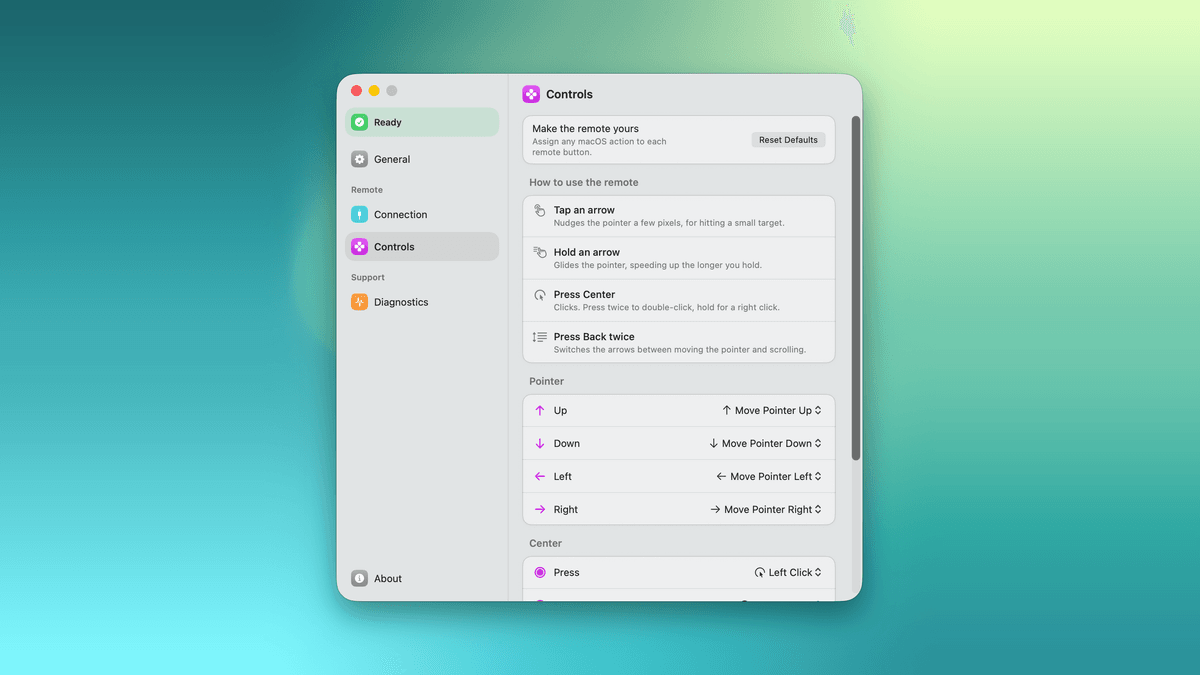
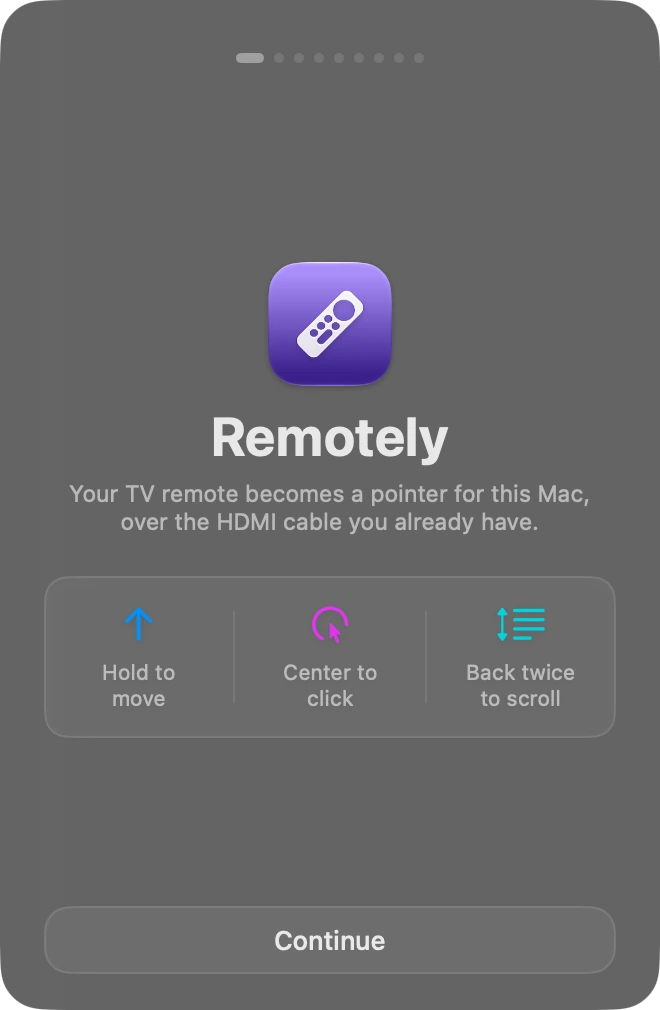
Remotely lets you drive a Mac with your TV remote. I wanted to watch stuff on the TV from my chair (or my bed) without getting up for a mouse every time, and the remote was already sitting right there. It's my first macOS app, a small menu bar app for macOS 15 and later, and you can grab it from the GitHub releases page.
What it does
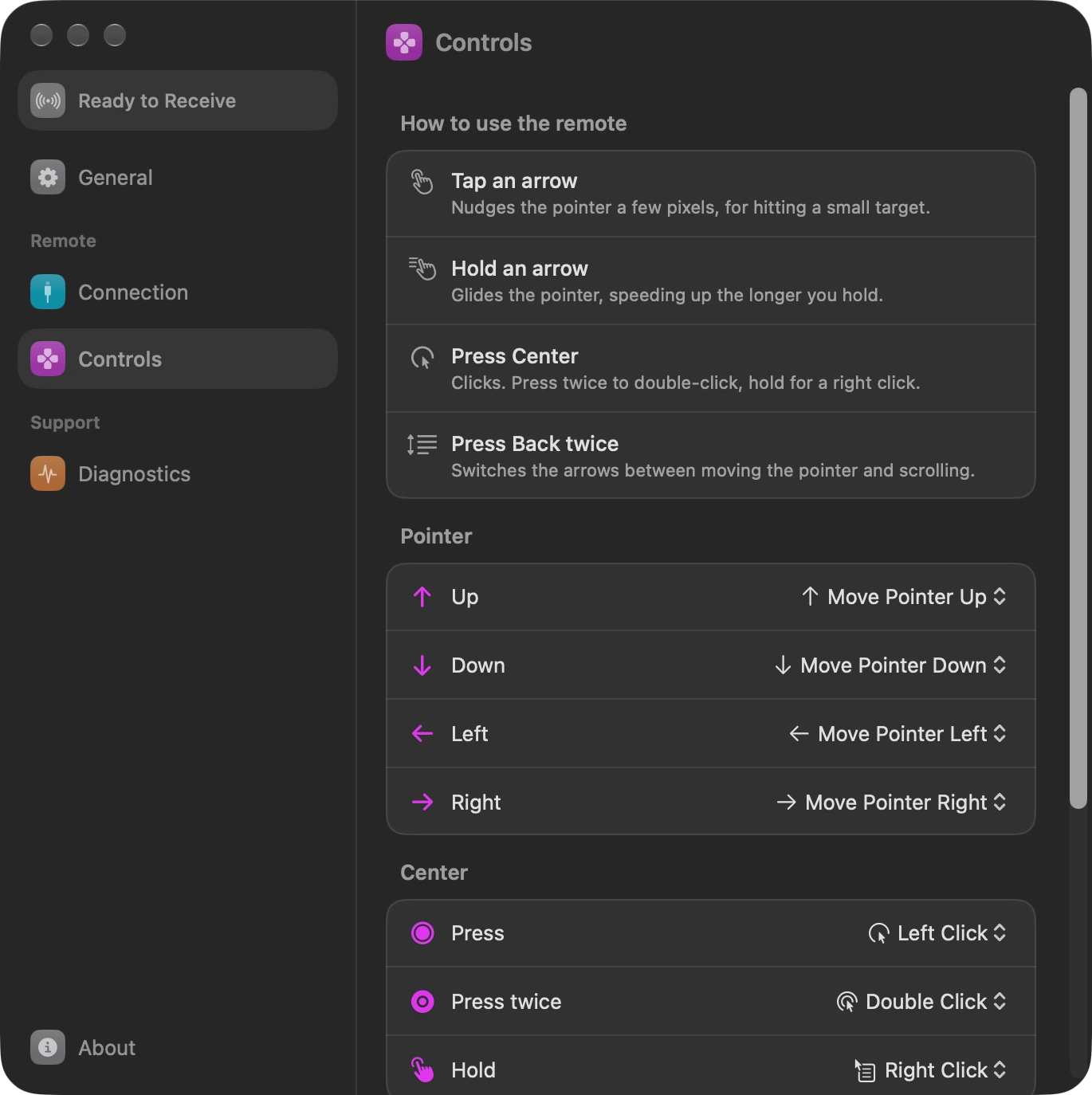
The arrows move the pointer. Tap to nudge it a few pixels, hold to glide, and it speeds up the longer you hold. Center clicks, twice double-clicks and holding right-clicks. Back works as back, and tapping it twice flips the arrows into scrolling, with a little chip next to the pointer showing which mode you're in. You can rebind all of it, including to your own keyboard shortcuts.
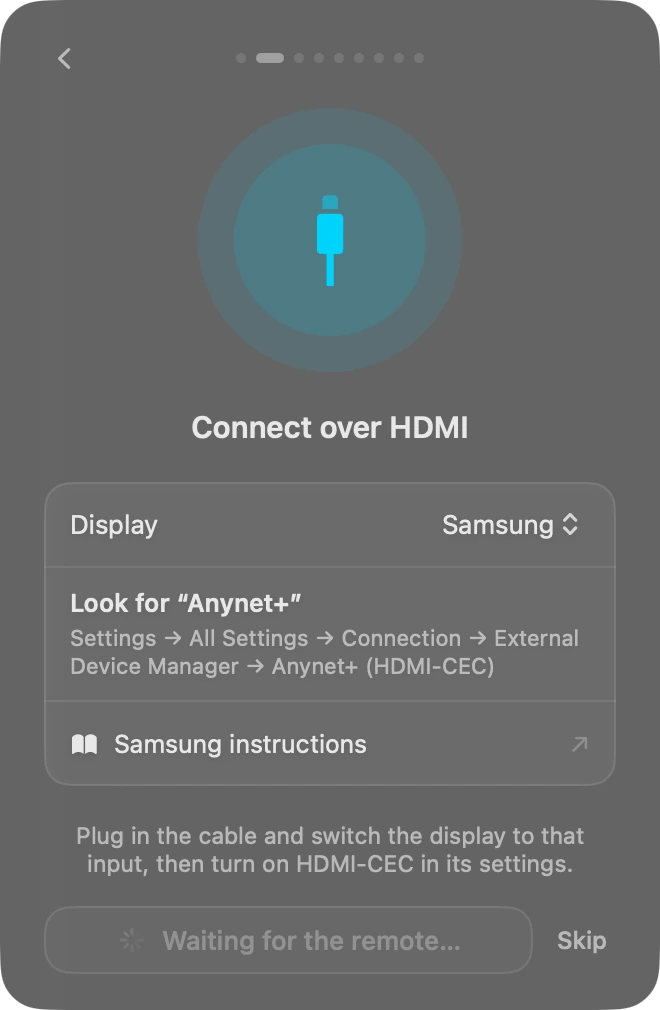
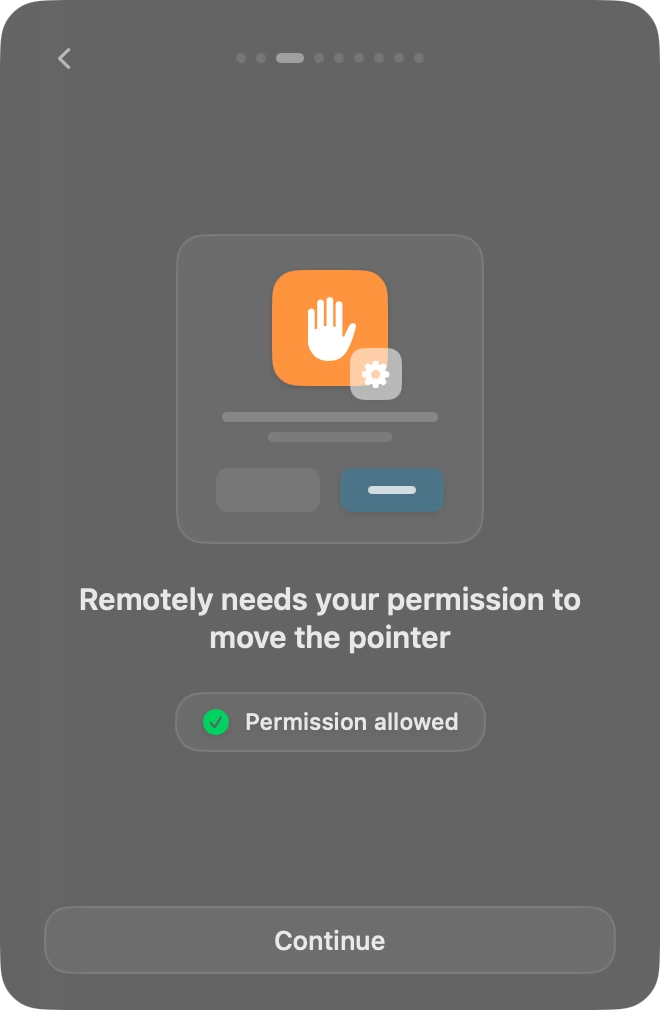
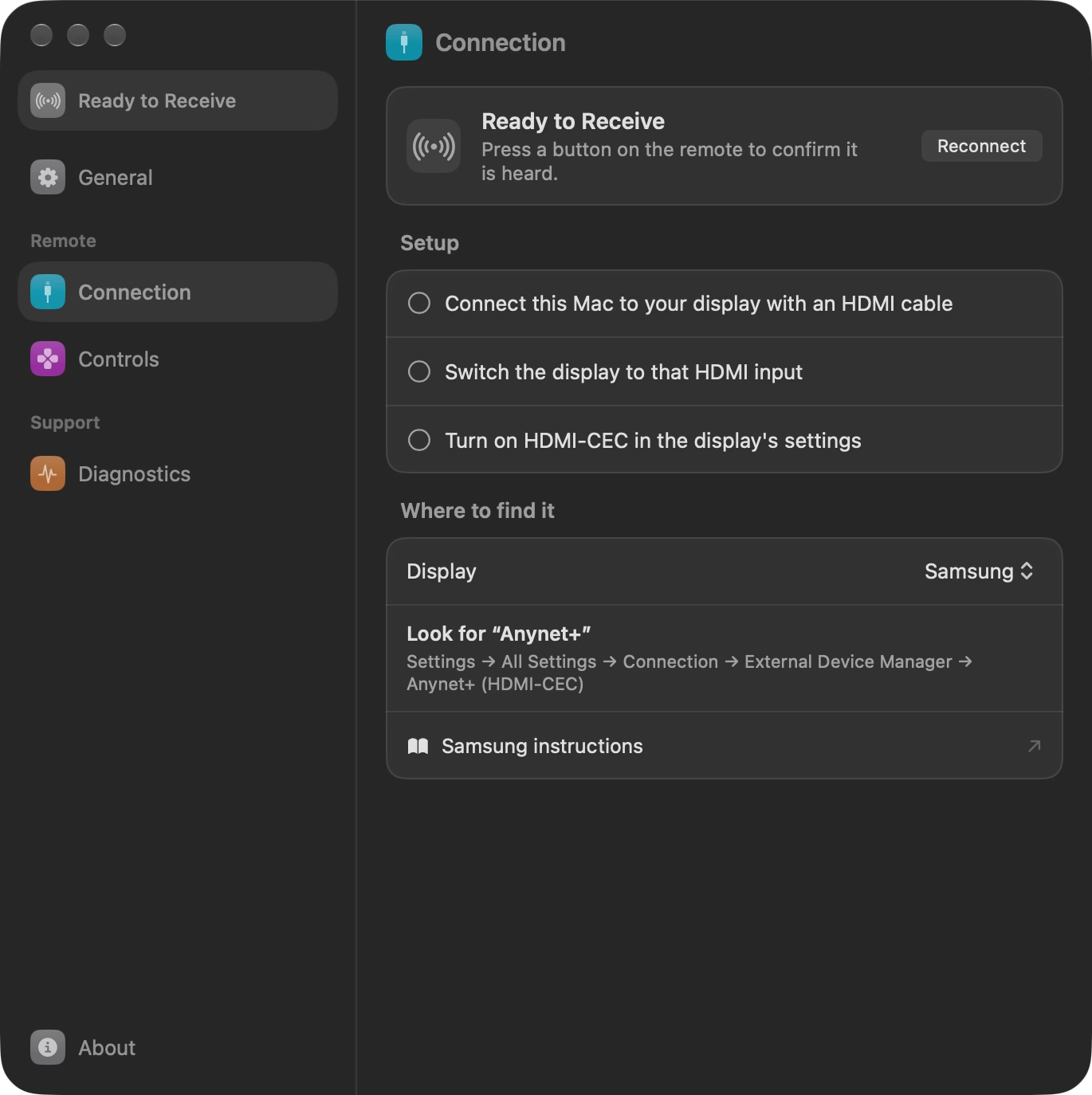
The onboarding takes after Alcove. It goes one step at a time, shows where your TV brand hides its HDMI-CEC setting, gets the Accessibility permission, then has you practice each gesture with the real remote, so you know it works before you're done.
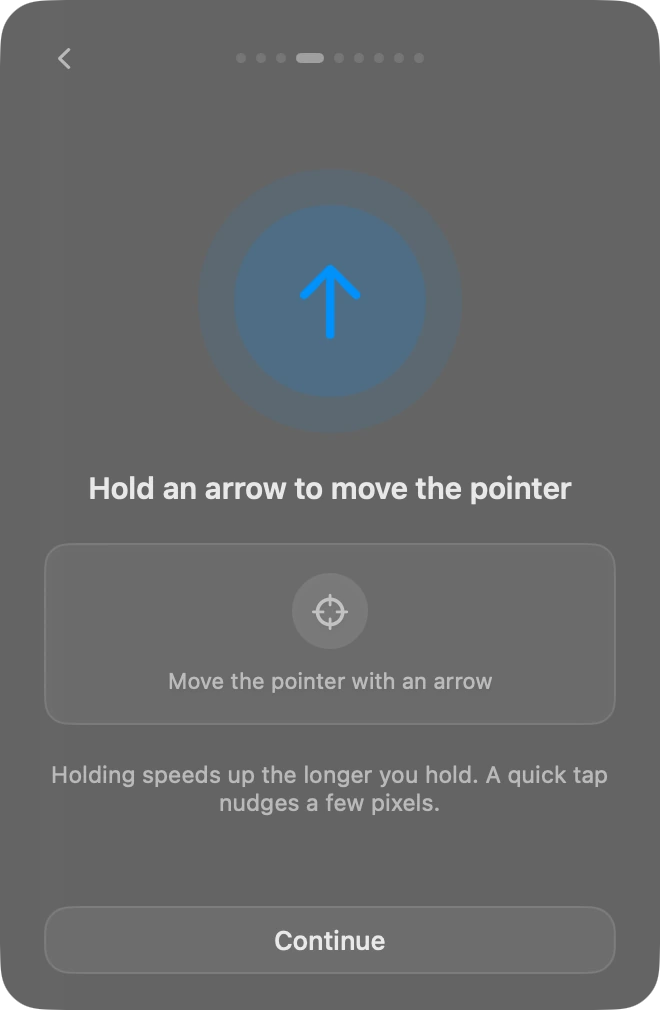
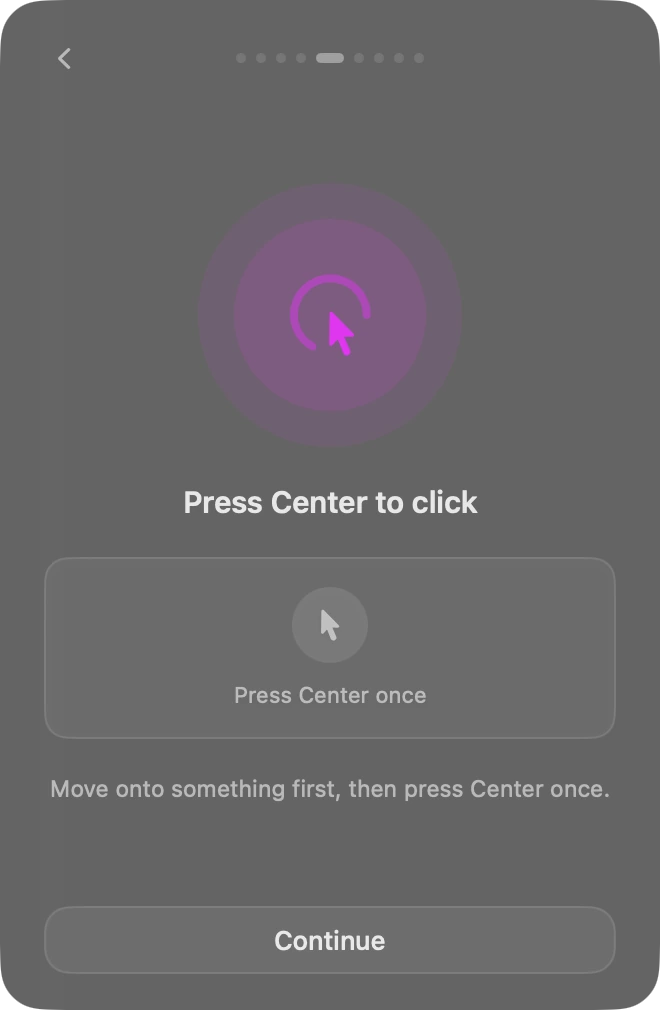
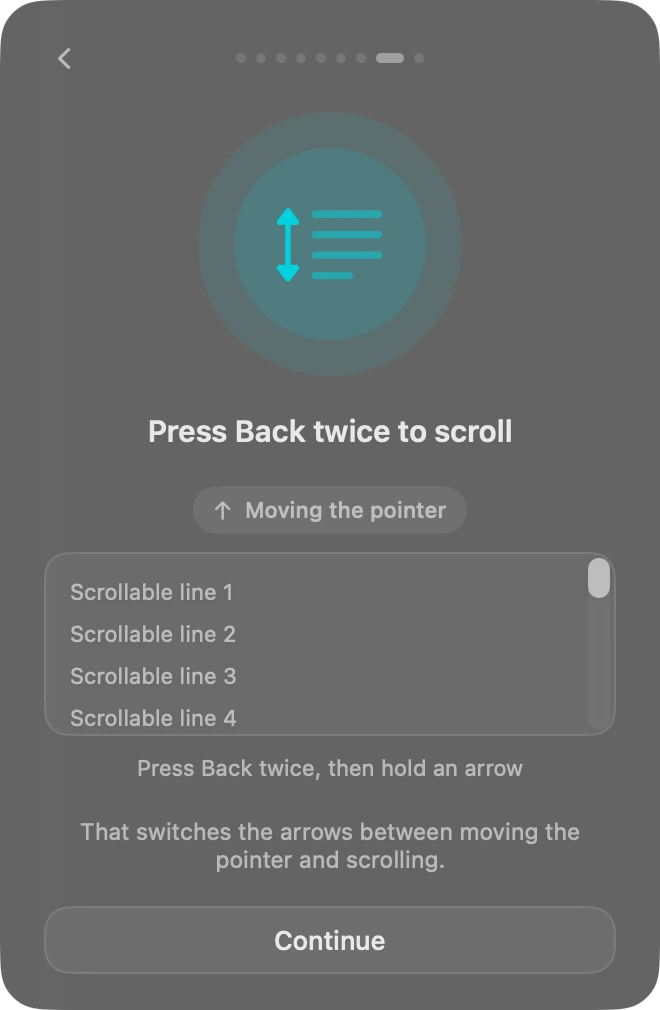
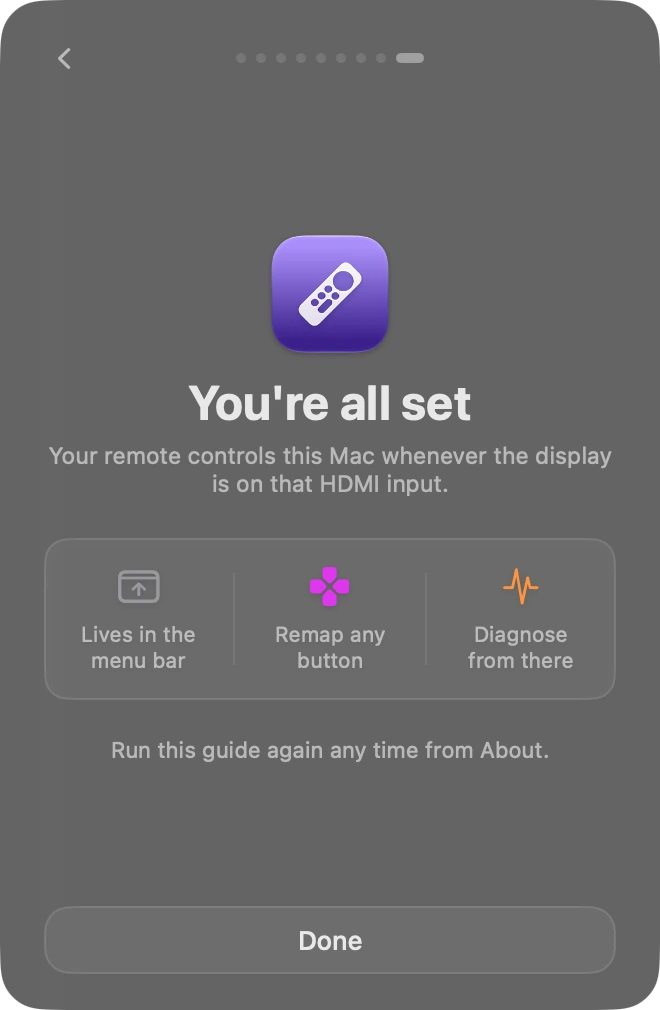
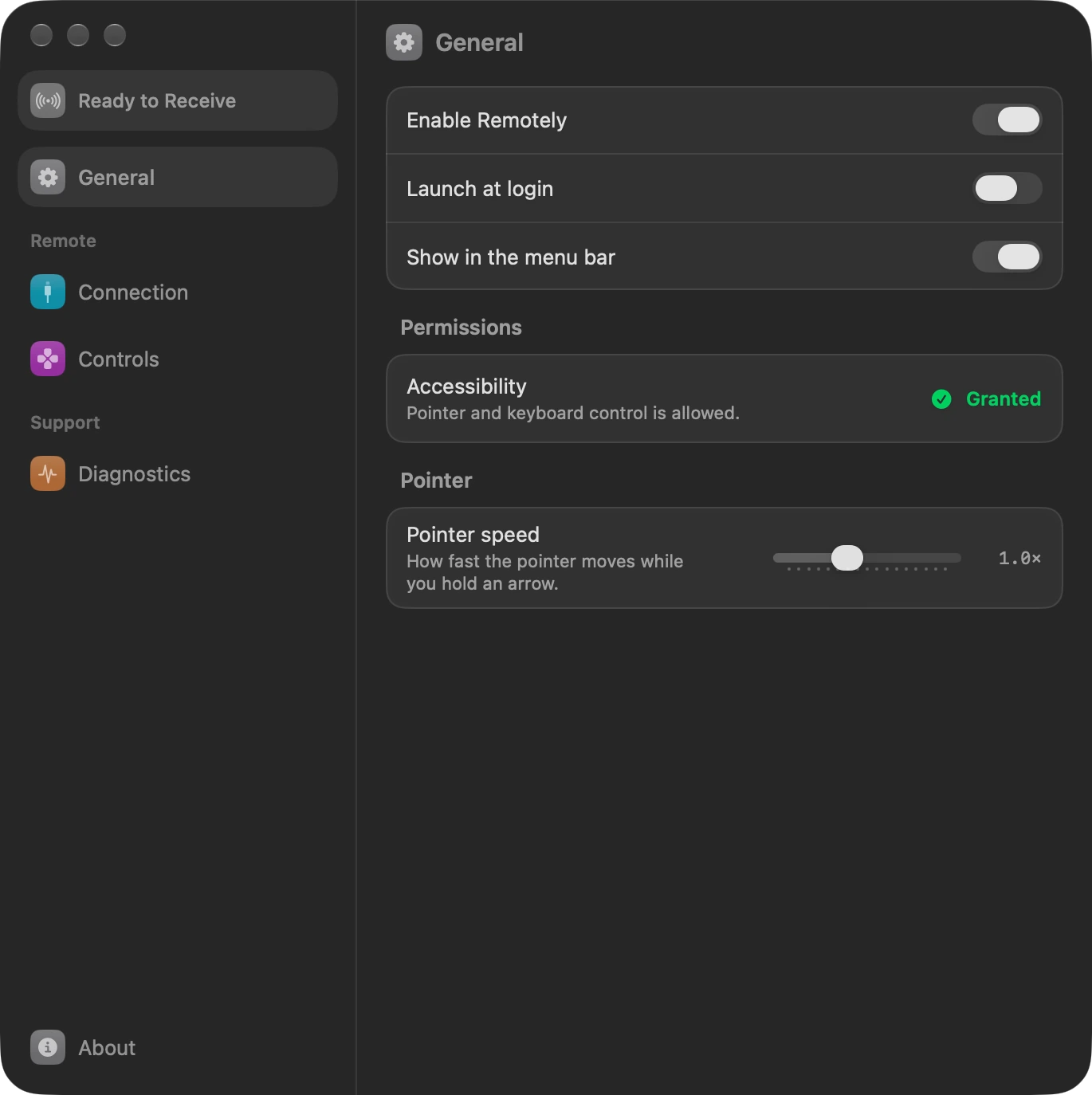
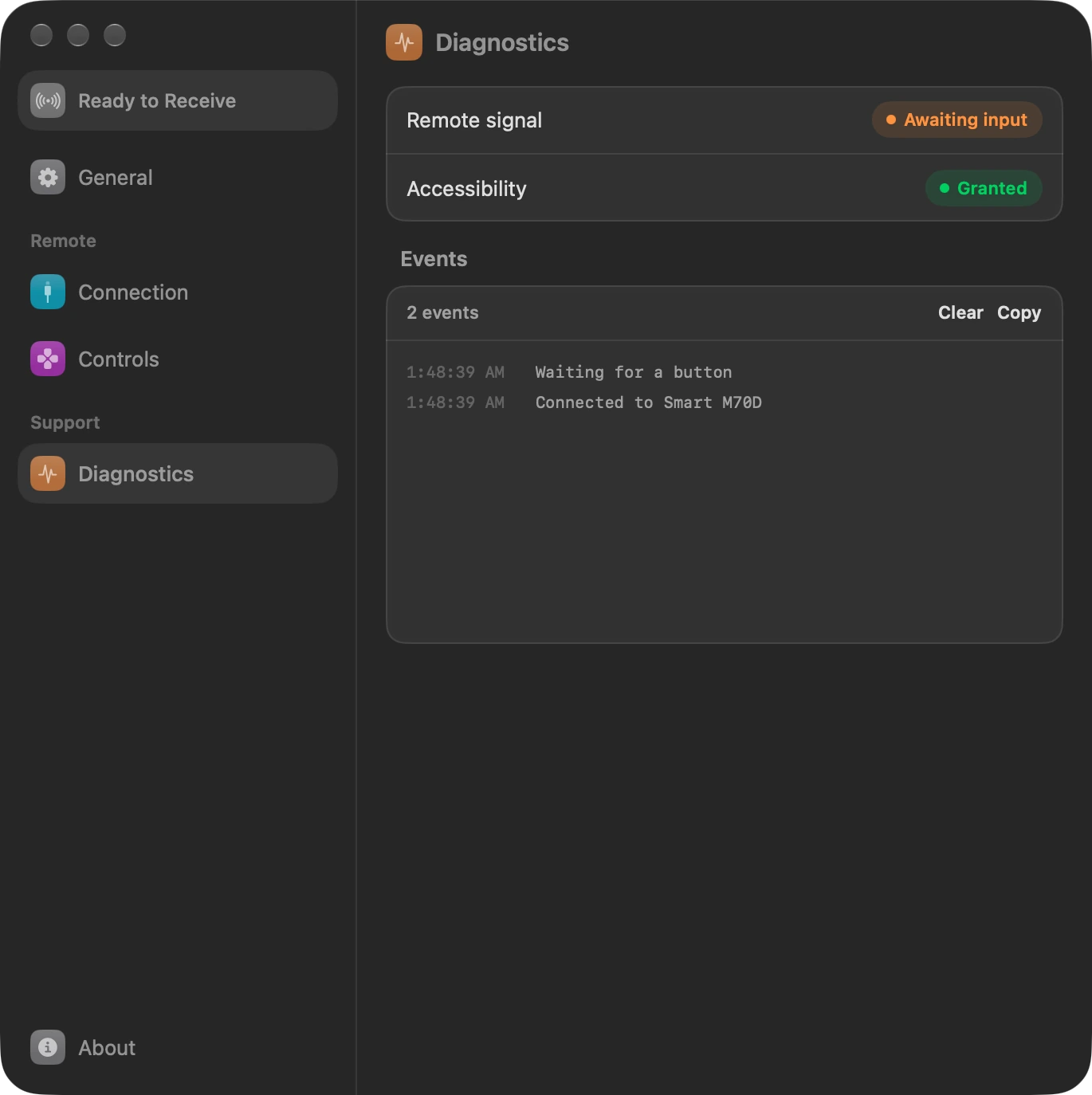
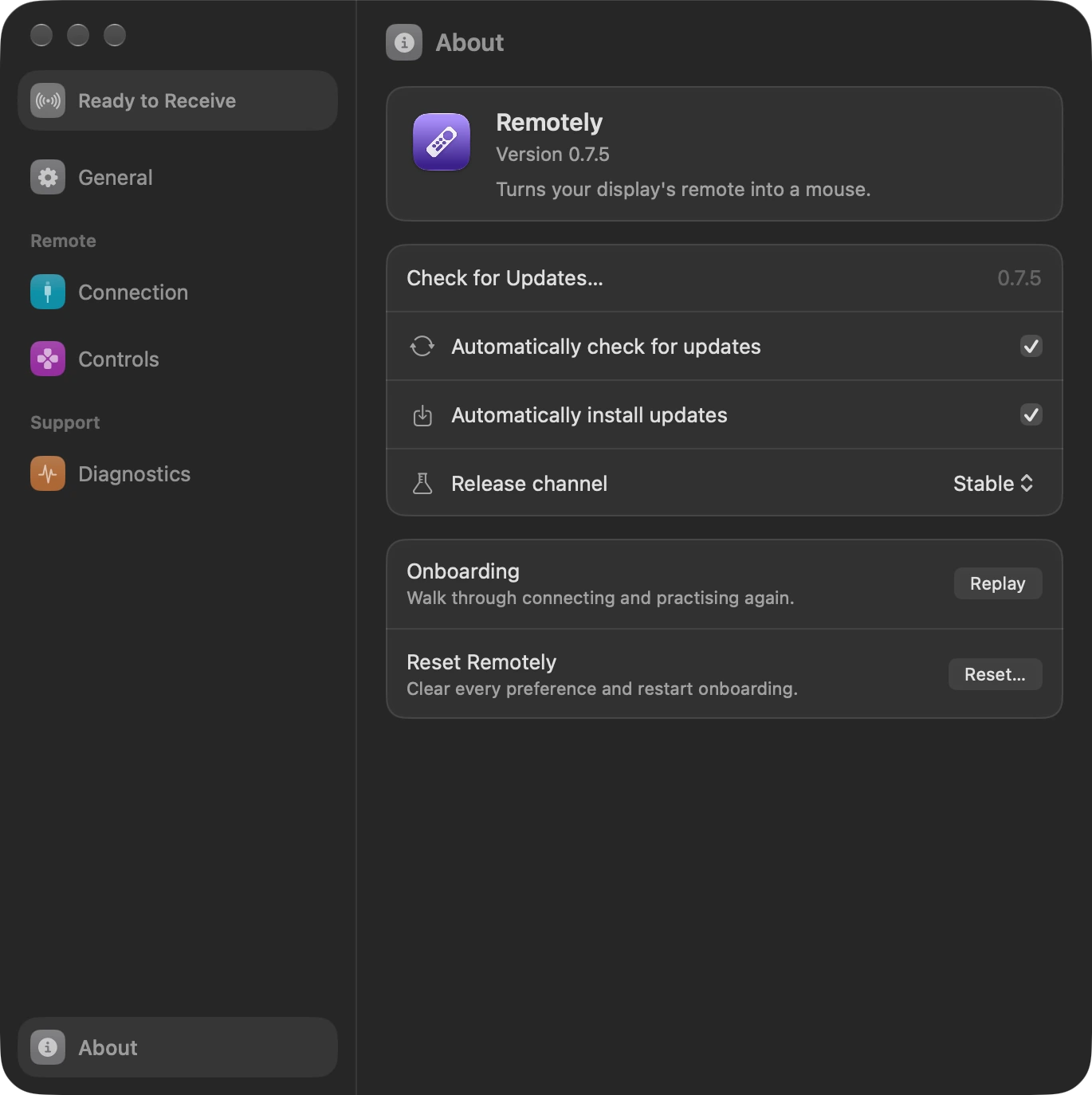
The settings window takes after Loop by MrKai. A sidebar holds General, Controls, Connection, Diagnostics and About, so you can rebind buttons or check that the remote is actually coming through.
How it works
TVs with HDMI-CEC already send the remote's button presses down the HDMI cable to whatever's plugged in. On a Mac, a system daemon (corercd) owns that connection and won't let other apps talk to it. It does write every press to the system log, though, so Remotely streams that log, reads the raw CEC button code from each line and turns it into pointer moves, clicks, scrolls and shortcuts (that's what the Accessibility permission is for). No account, no network. Updates come through Sparkle.
Getting there took a couple of wrong turns. It started as M7 Remote Bridge, built for my own setup: an M4 Mac mini and a Samsung Smart M70D. My first try talked to Apple's CoreRC service directly and just sat on "Waiting for HDMI" forever. The daemon was getting every button press and handing exactly zero of them to me, because it won't list the HDMI connection for third-party apps. That's how I ended up reading the log instead. A later rewrite quietly brought the old approach back and the remote went undetected again, so I put the log reader back and gave it tests this time.
Volume, media and Home turned out to never reach the Mac at all, since the TV handles those itself and never puts them on the cable. I cut them instead of shipping buttons that could never fire, and built the gestures out of timing instead. Holding and double-tapping are worked out from when each press and release lands, and clicks still go out right away instead of waiting to see if a second tap is coming. Once it worked with any HDMI-CEC display, not just mine, I renamed it Remotely.