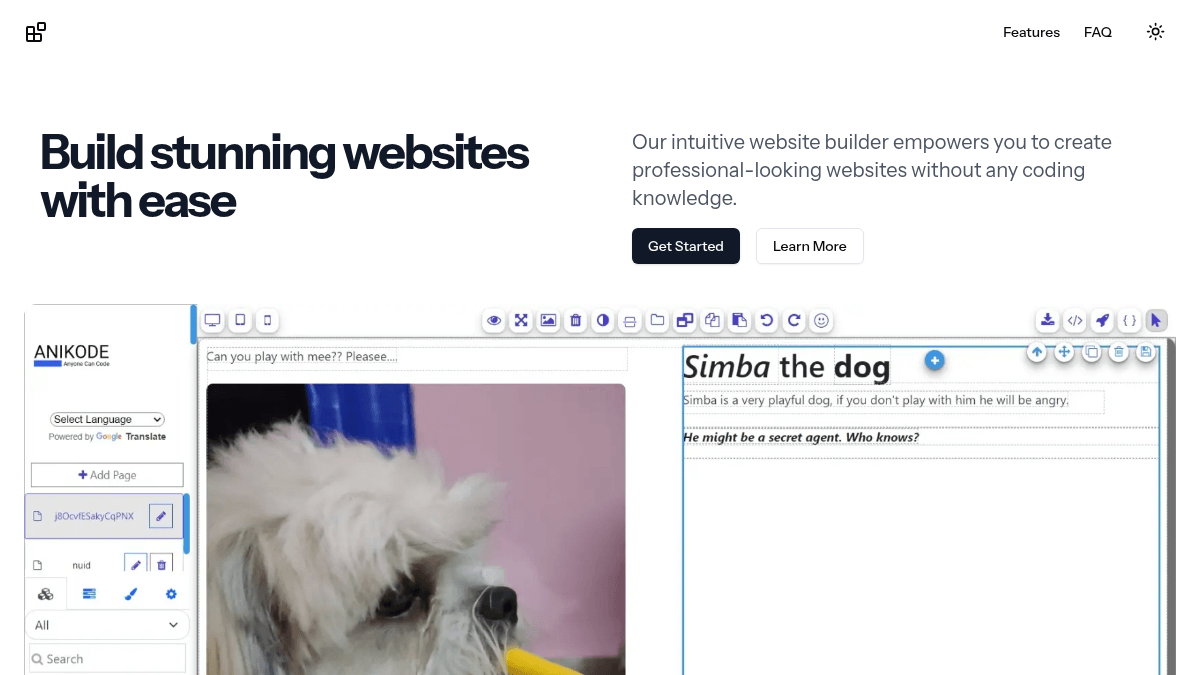
AniKode is a drag-and-drop website builder, and it's also my first ever real HTML, CSS and JavaScript project. I've built it three times since 2021, and every version is basically a snapshot of what I knew how to do that year. It's super old now, so I count it as deprecated, but AniKode Studio is still online behind a sign-in.
How it started
When I first learned HTML, all I wanted was to make pretty websites. So I went looking for inspiration and ended up poking around website builders like Wix and Builder.io. The templates were nice, but what I really fell in love with was the drag-and-drop idea: you grab a block, drop it on the page, and it just works. That sent me down a huge rabbit hole of how you'd even build something like that, and at the bottom of it I found GrapesJS, an awesome framework for building website builders.
The 2021 version
The first AniKode was one GrapesJS page with more than 20 plugins stacked on top, saving everything to IndexedDB in your browser. I struggled a lot with this one. To get proper pages and templates working, I forked a GrapesJS template manager plugin in December 2021 and hacked in my own functions for adding a page or a template.
It's also where I first learned Firebase. And I'll be honest about why: I used it for the free .web.app domain, because it looked more professional, haha.
The 2022 version
In 2022 I rebuilt it as a proper React app with its own Express and MongoDB server, so your projects lived on a server instead of in one browser. It got a real editor with a page list, a block panel and a toolbar on every selected component, plus its own landing page. I even started a Docusaurus docs site for it on Replit, which never got past the starter template.

AniKode Studio
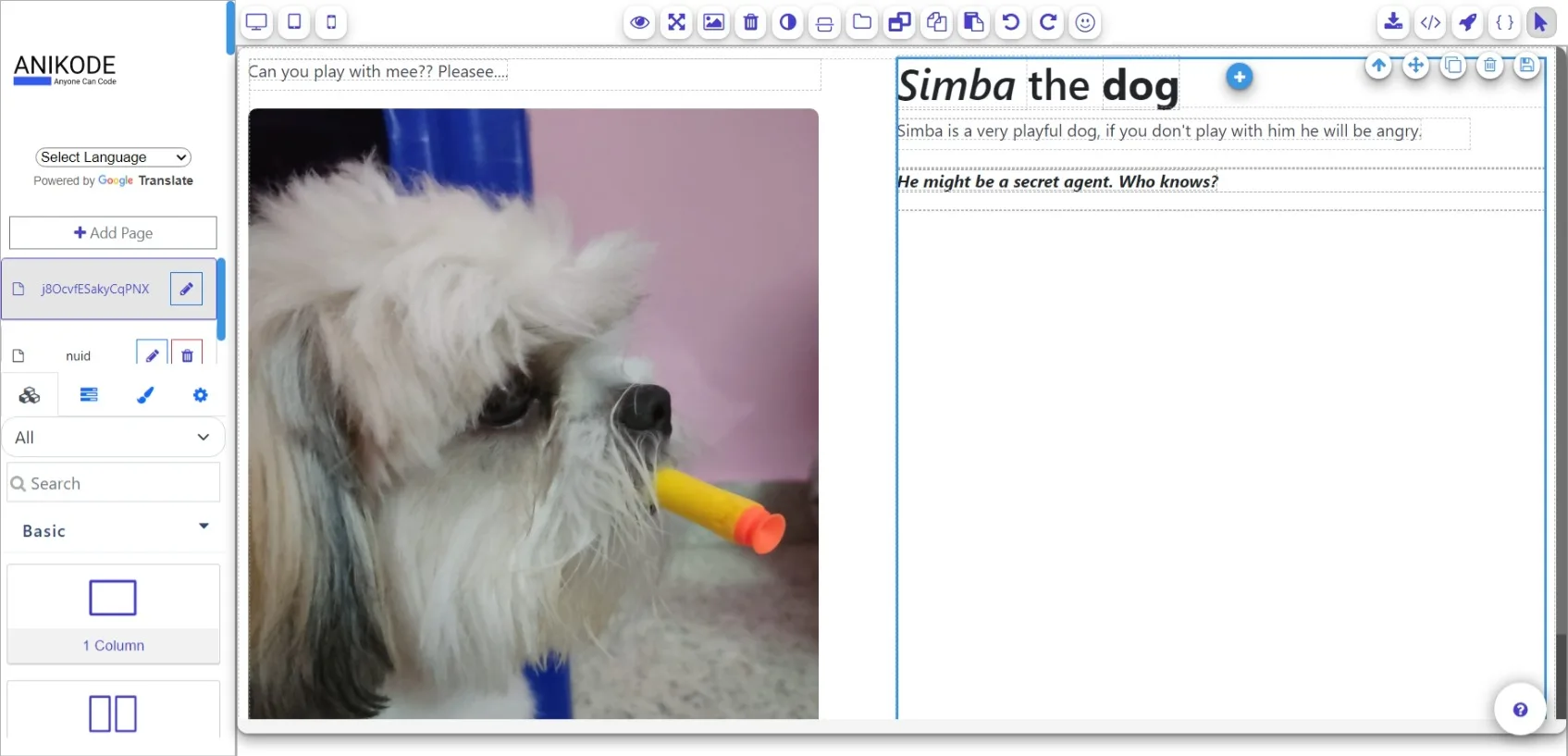
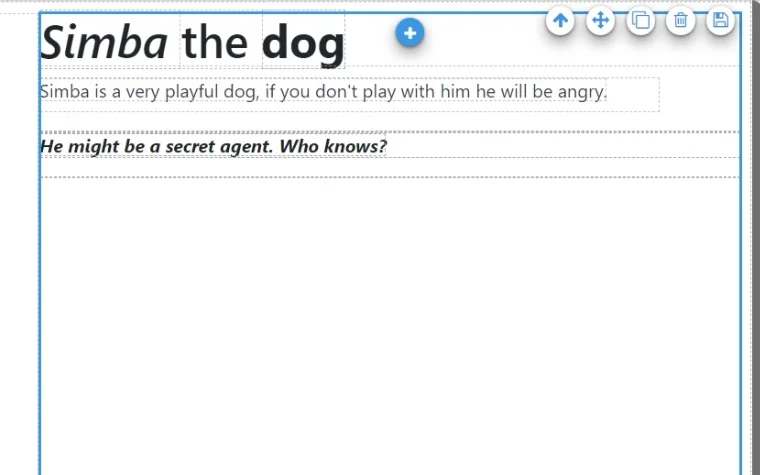
The latest rewrite is AniKode Studio, in Next.js with shadcn/ui. It was my first T3 stack project ever (shout-out to Theo, the goat), and my first time using Drizzle and Zod, which I'd heard so many good things about that I had to try them.
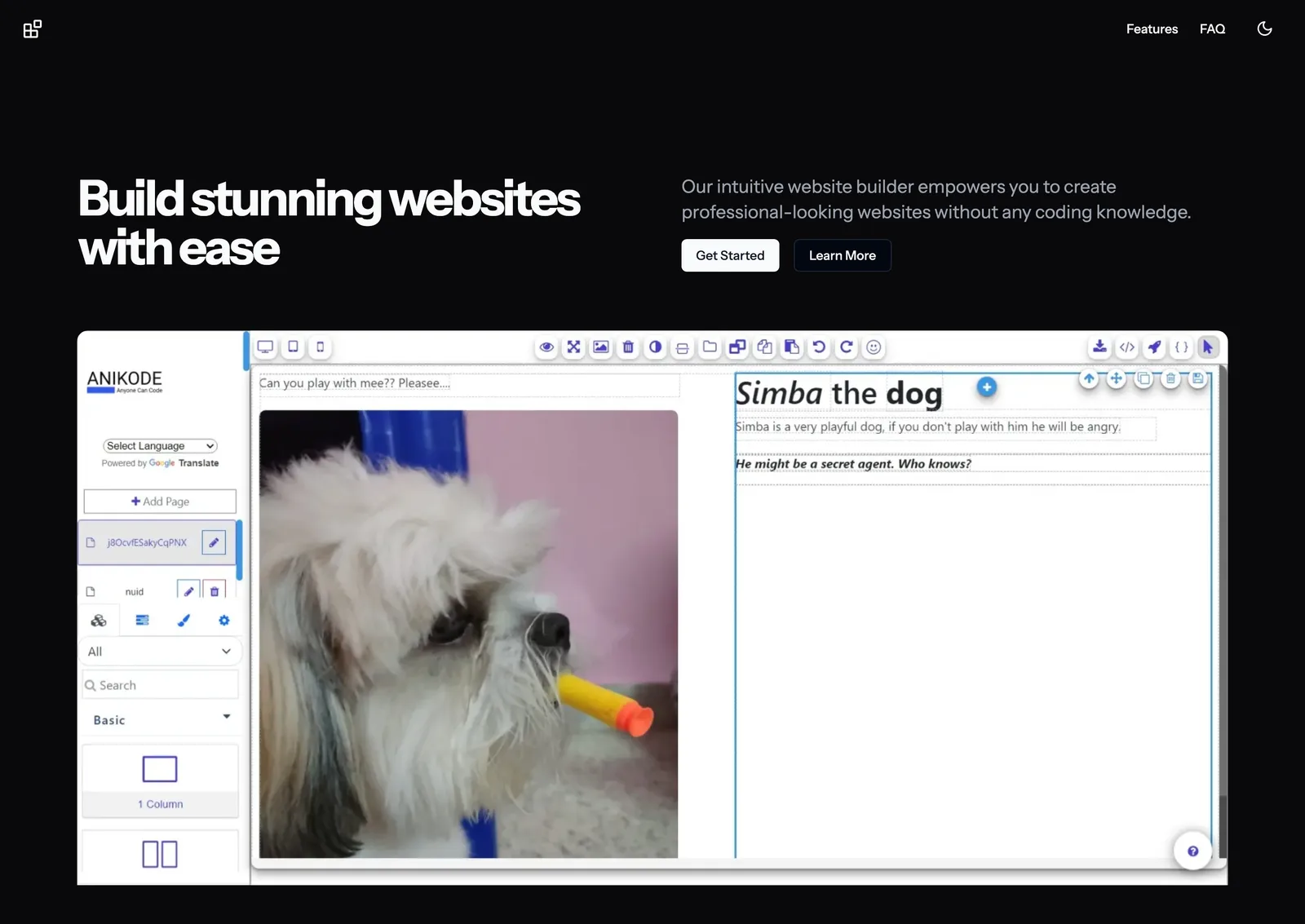
You make a project, add some pages and open one in the editor. Blocks sit on the left, and styles, settings, layers and pages are on the right. The panels are React components, so the editor follows the app's light and dark theme instead of looking like a GrapesJS demo.
How it works
After every change, the editor posts the page's GrapesJS project JSON to that page's API route. The route checks your session, makes sure you own the page, and stores the JSON in a Postgres column through Drizzle. If a save fails, the editor tells you, so you don't lose an afternoon of work without knowing.
Sign-in goes through NextAuth, with a magic link sent by Resend or a GitHub account.